Select the site

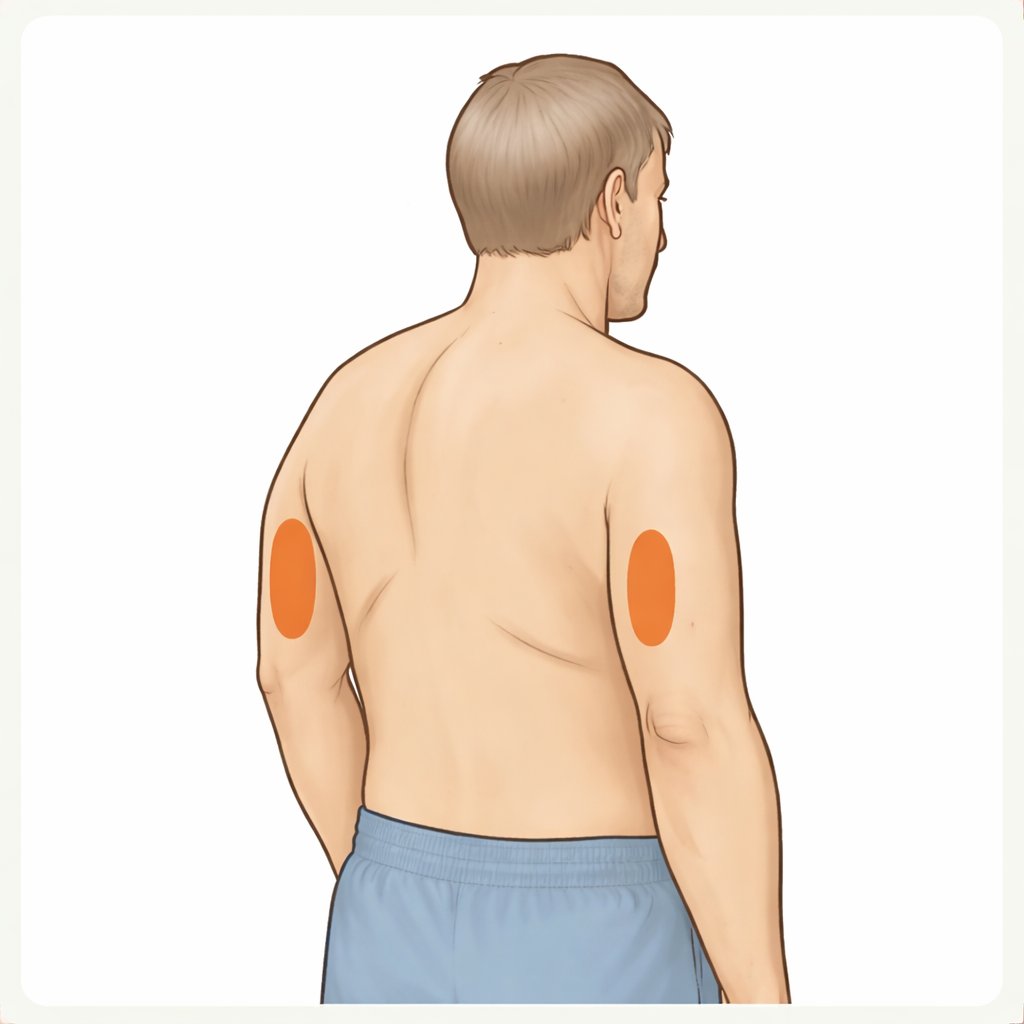
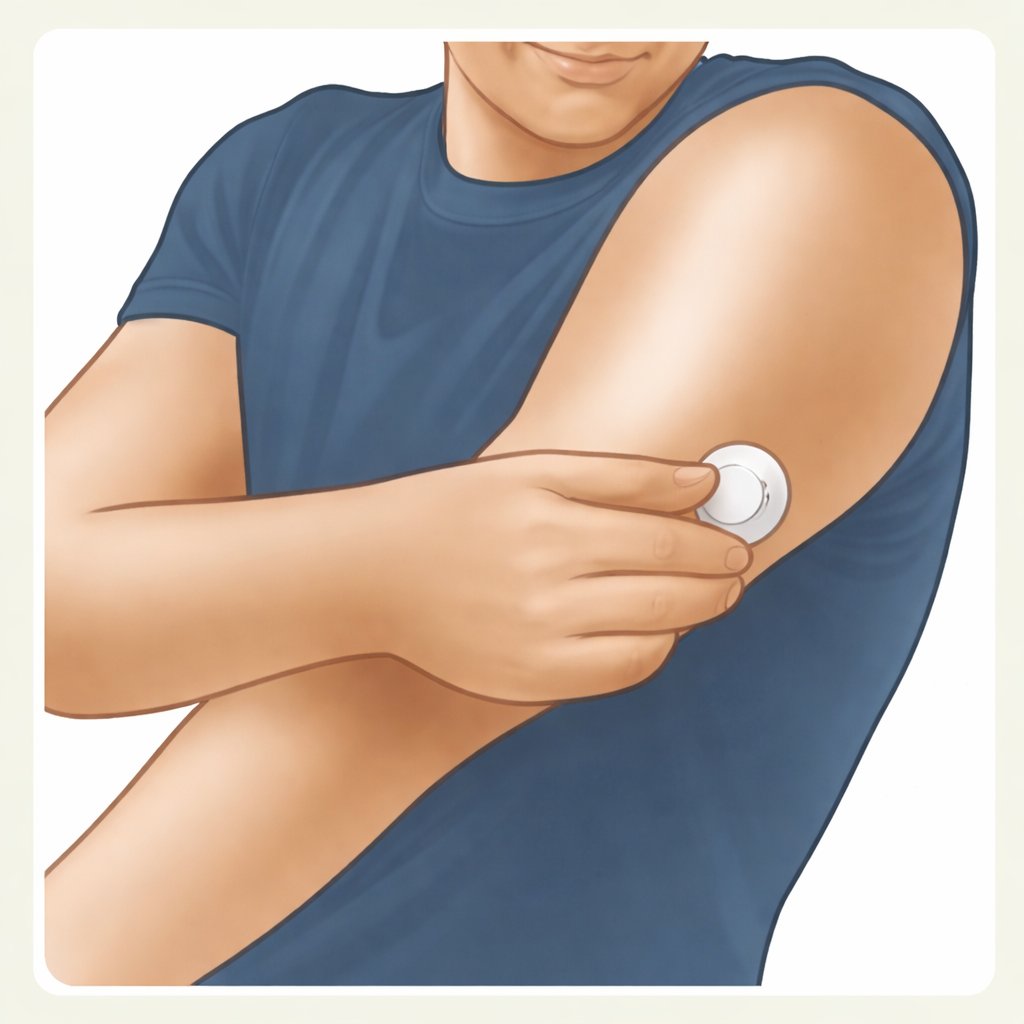
Select a site on the back of your upper arm. Do not use other sites as these may result in inaccurate glucose readings.
Follow these 10 steps carefully before using your sensor. The whole setup takes about 5 minutes, plus a 60-minute warm-up.
Setup overview

Select a site on the back of your upper arm. Do not use other sites as these may result in inaccurate glucose readings.

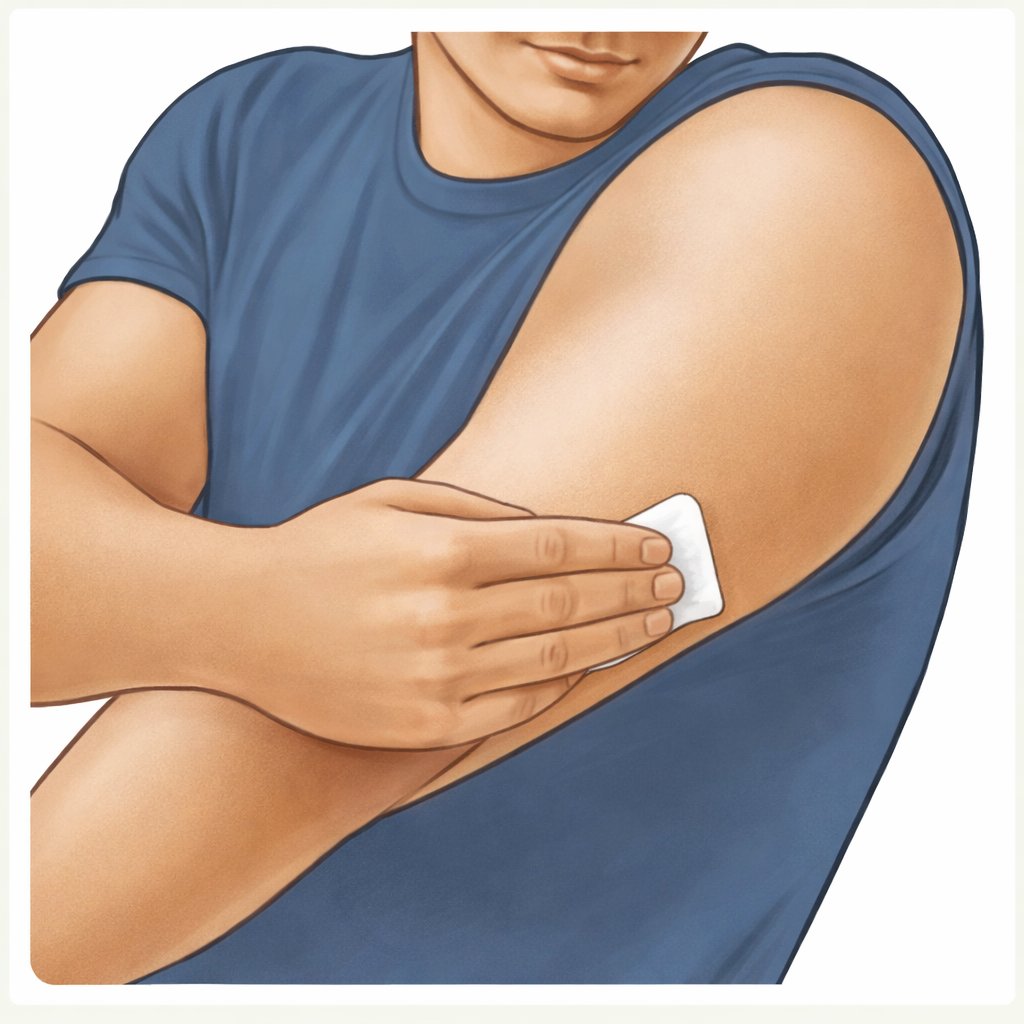
Wash the site using plain soap, dry, then clean with an alcohol wipe. Allow the site to air dry completely before proceeding.

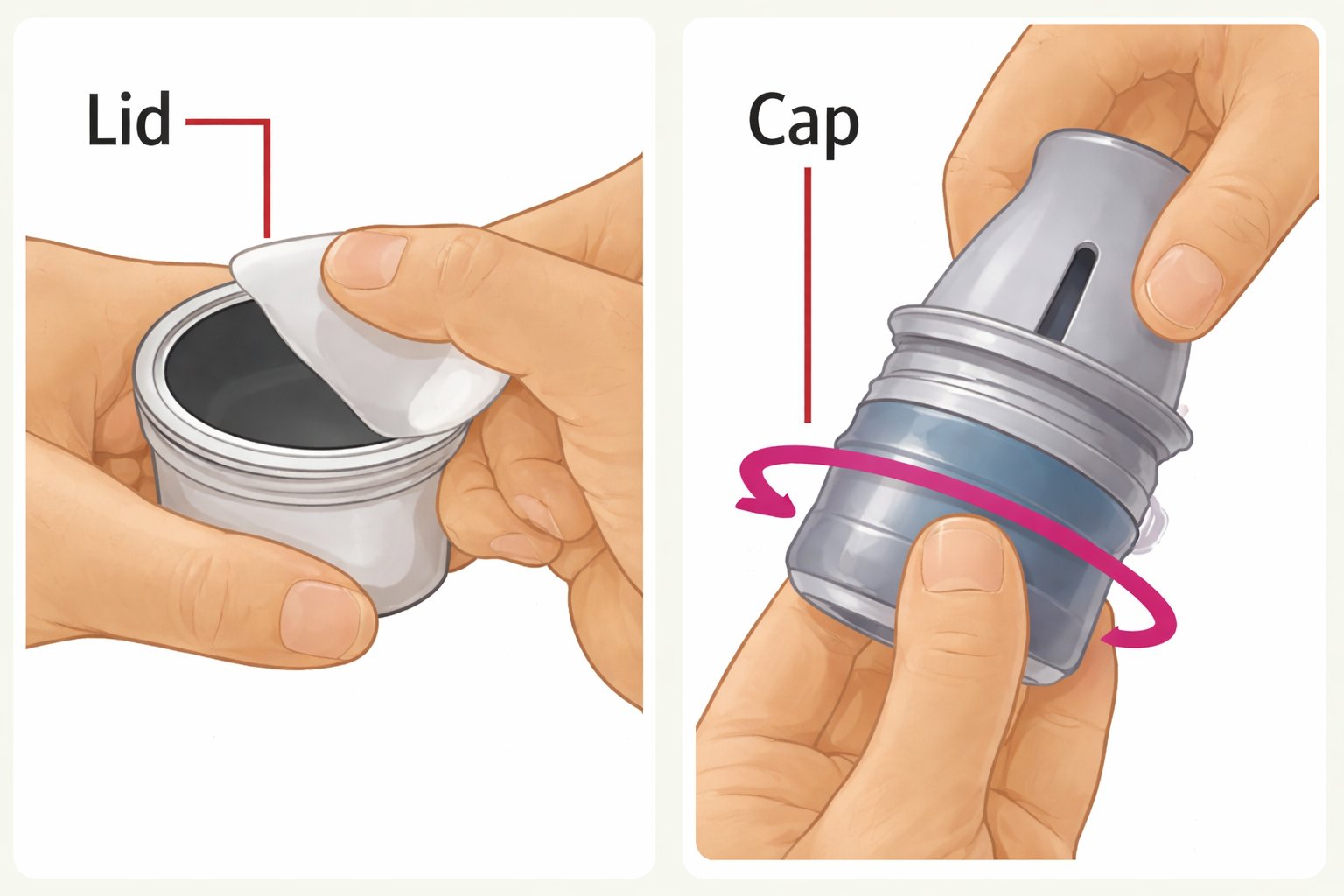
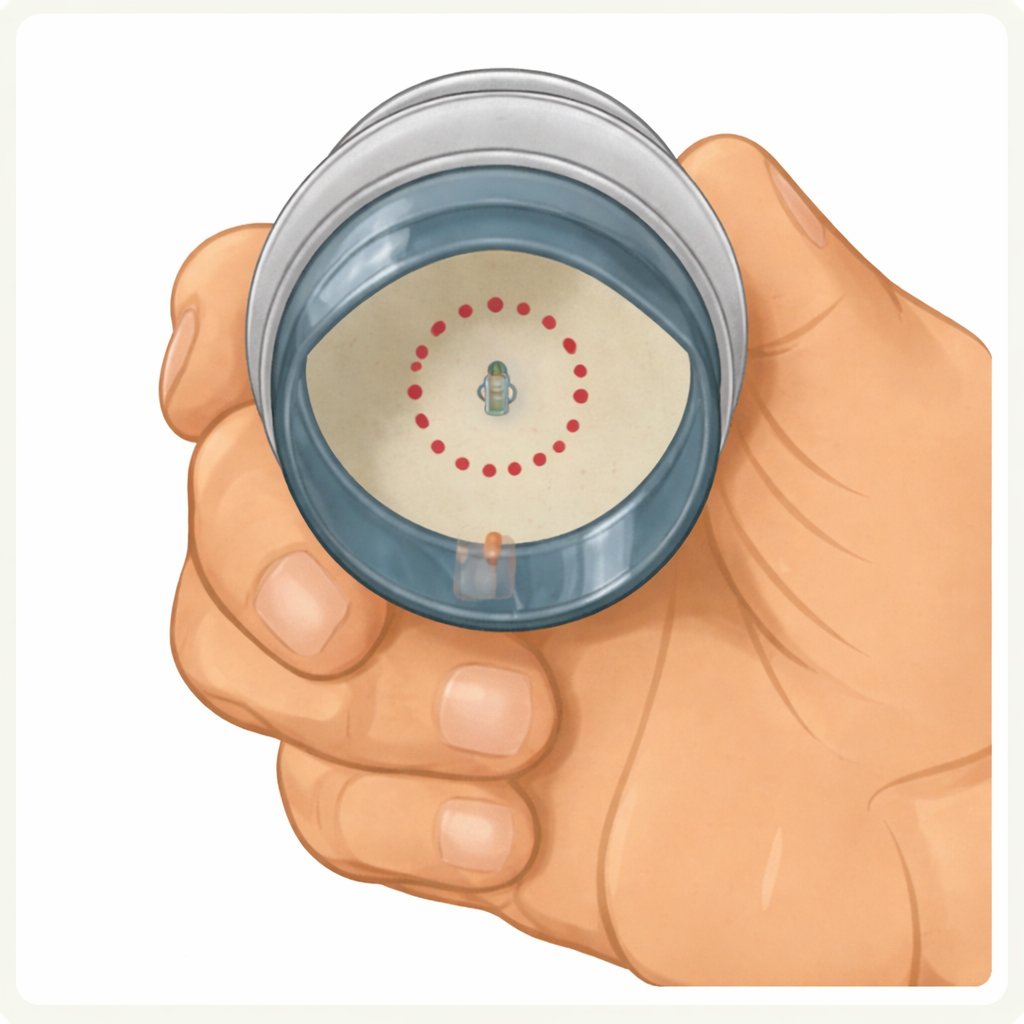
Peel the lid completely off the Sensor Pack. Unscrew the cap from the Sensor Applicator.

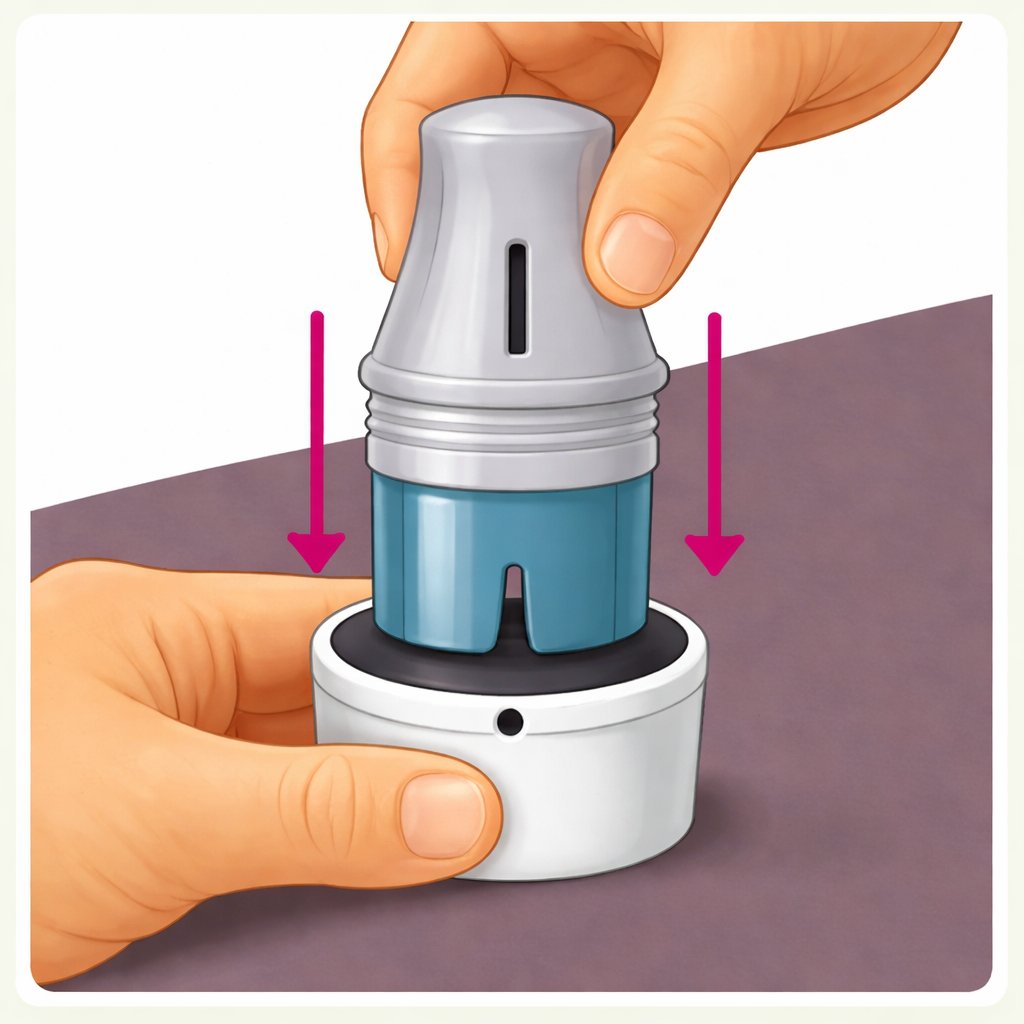
Line up the dark mark on the Sensor Applicator with the dark mark on the Sensor Pack. On a hard surface, press down firmly until it comes to a stop.

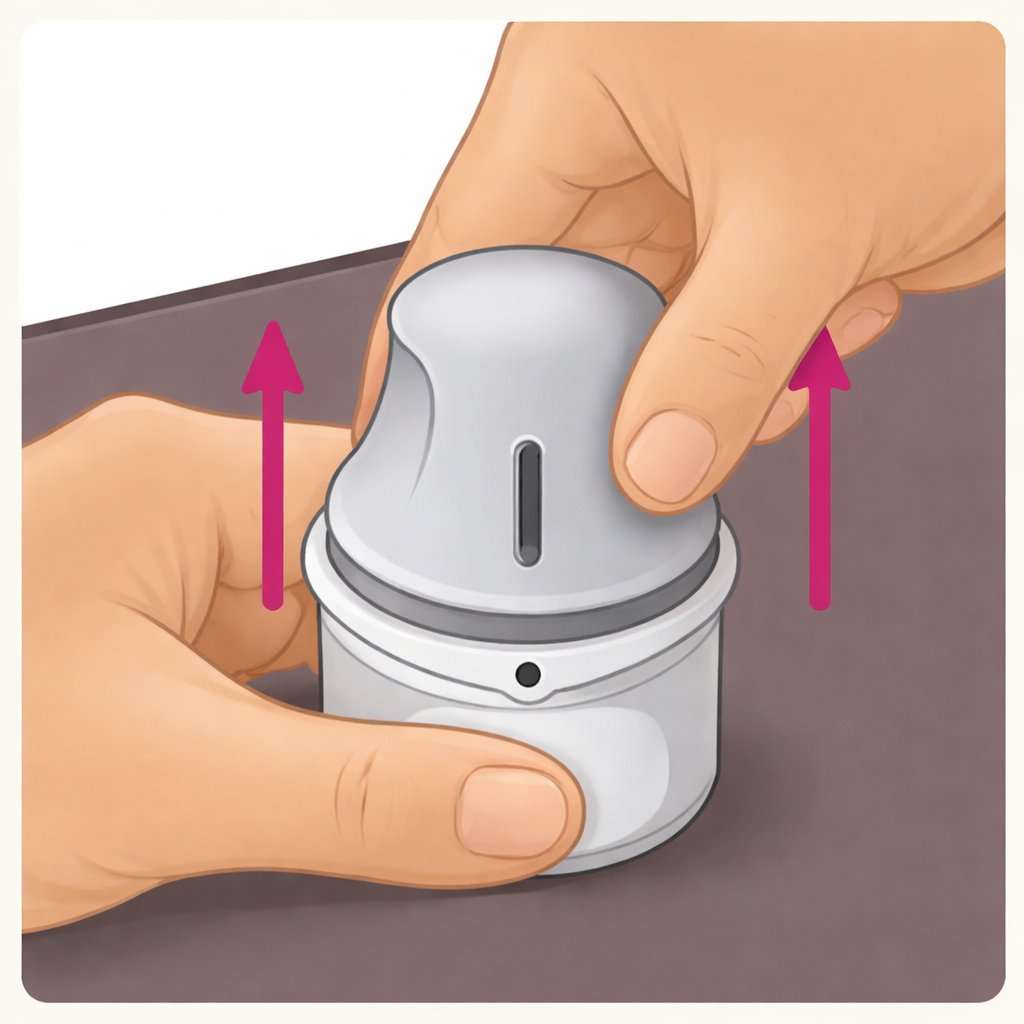
Lift the Sensor Applicator straight out of the Sensor Pack.

The Sensor Applicator is now ready to apply the sensor.

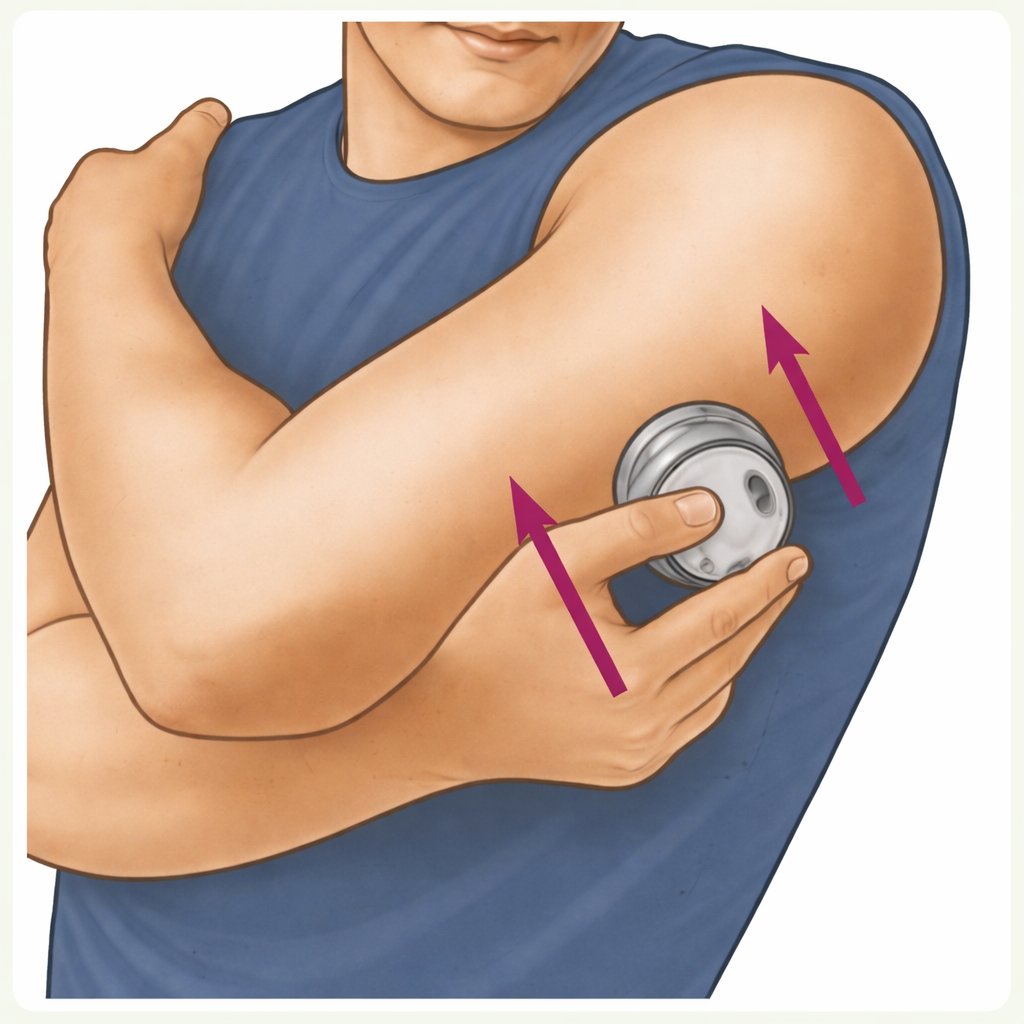
Place the Sensor Applicator over the prepared site and push down firmly to apply the sensor.

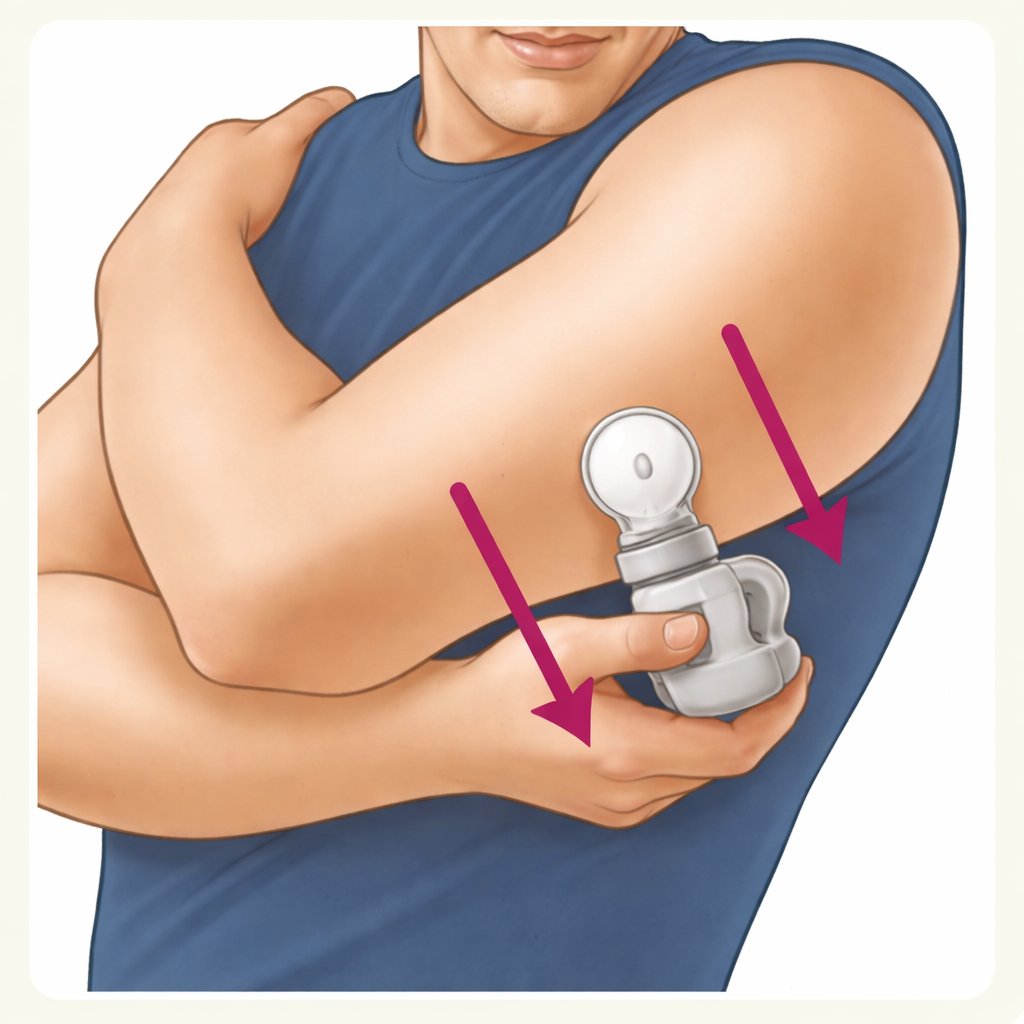
Gently pull the Sensor Applicator straight away from your body.

Make sure the sensor is secure on your arm. Discard the used Sensor Applicator and Sensor Pack according to local regulations.
Final step

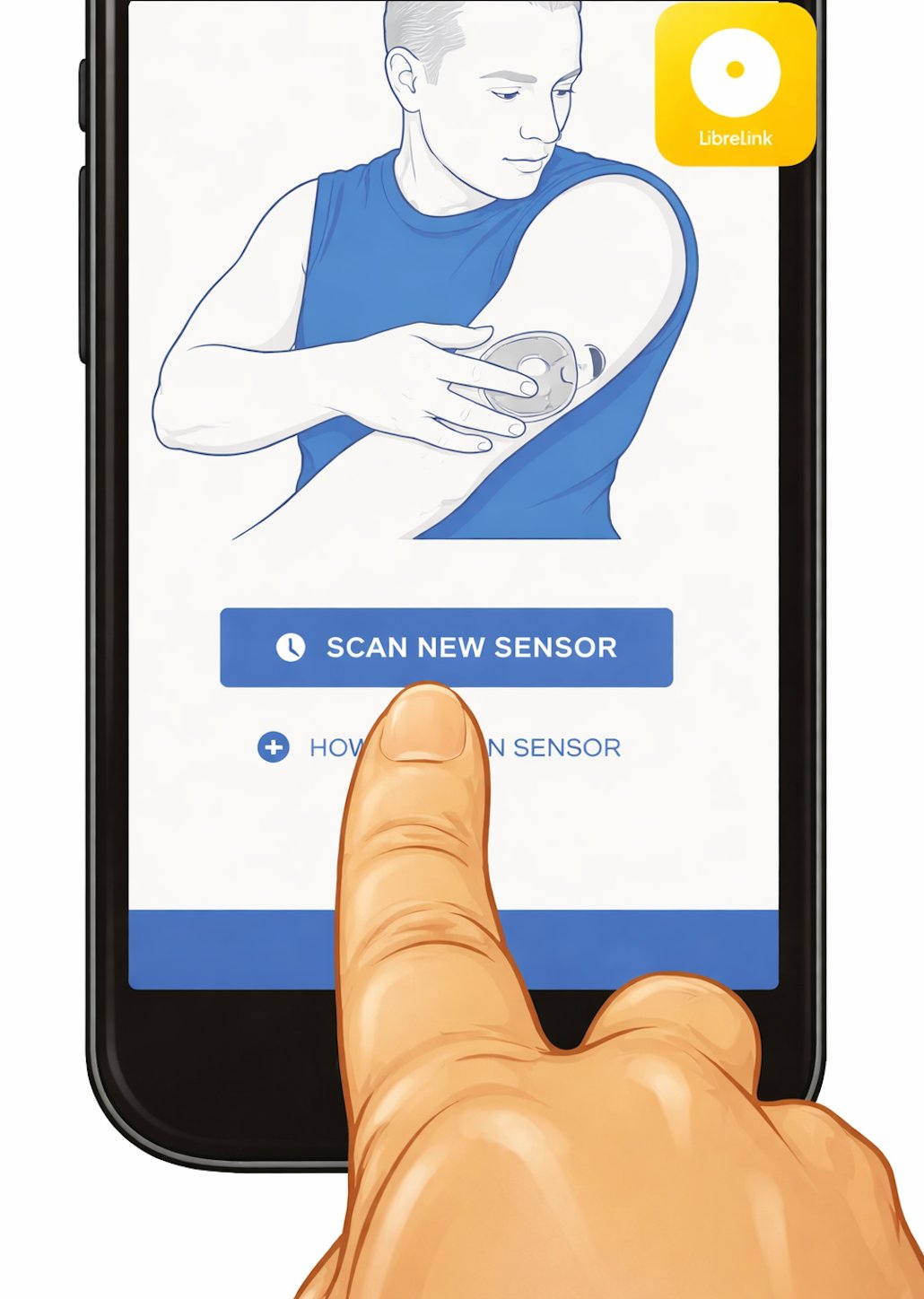
Now open the FreeStyle LibreLink app (not the Prime Factors app) and scan your sensor to begin. There is a 60-minute warm-up period before readings are available.
Always refer to the full Instructions for Use provided with your sensor. This guide is for reference only.